
How to register for online payment/ Parent portal
NOTE: The below are steps/image representations only and not actual buttons. The mobile view may represent different images compared to the desktop view shown below. Parents with multiple children can use the same login credentials to view results of all your children.
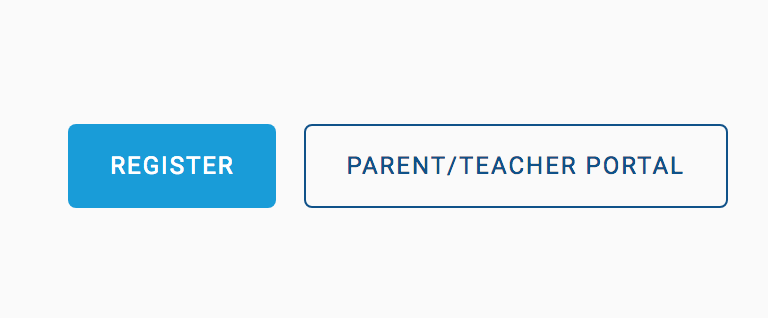
1. Navigate to the main page and click on the PARENT/TEACHER portal link
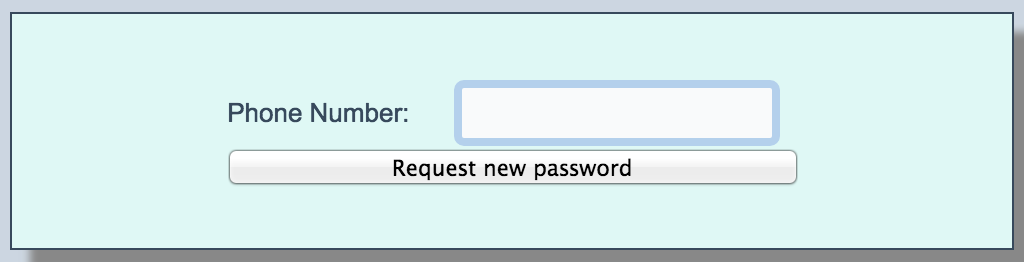
2.At the parent portal,click on need new password

3.Enter phone number already registered with the school. ( You should already be receiving SMS communication from the school on this number)
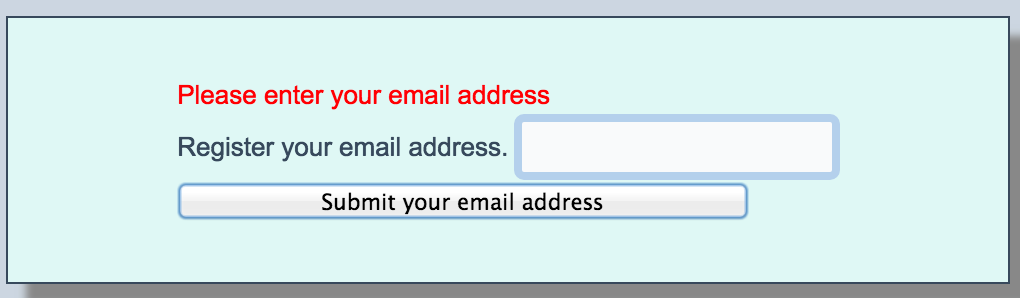
4. Enter valid email ID (This will be your login ID going forward)
5.Use Email ID provided above along with the password sent to your mobile number to login
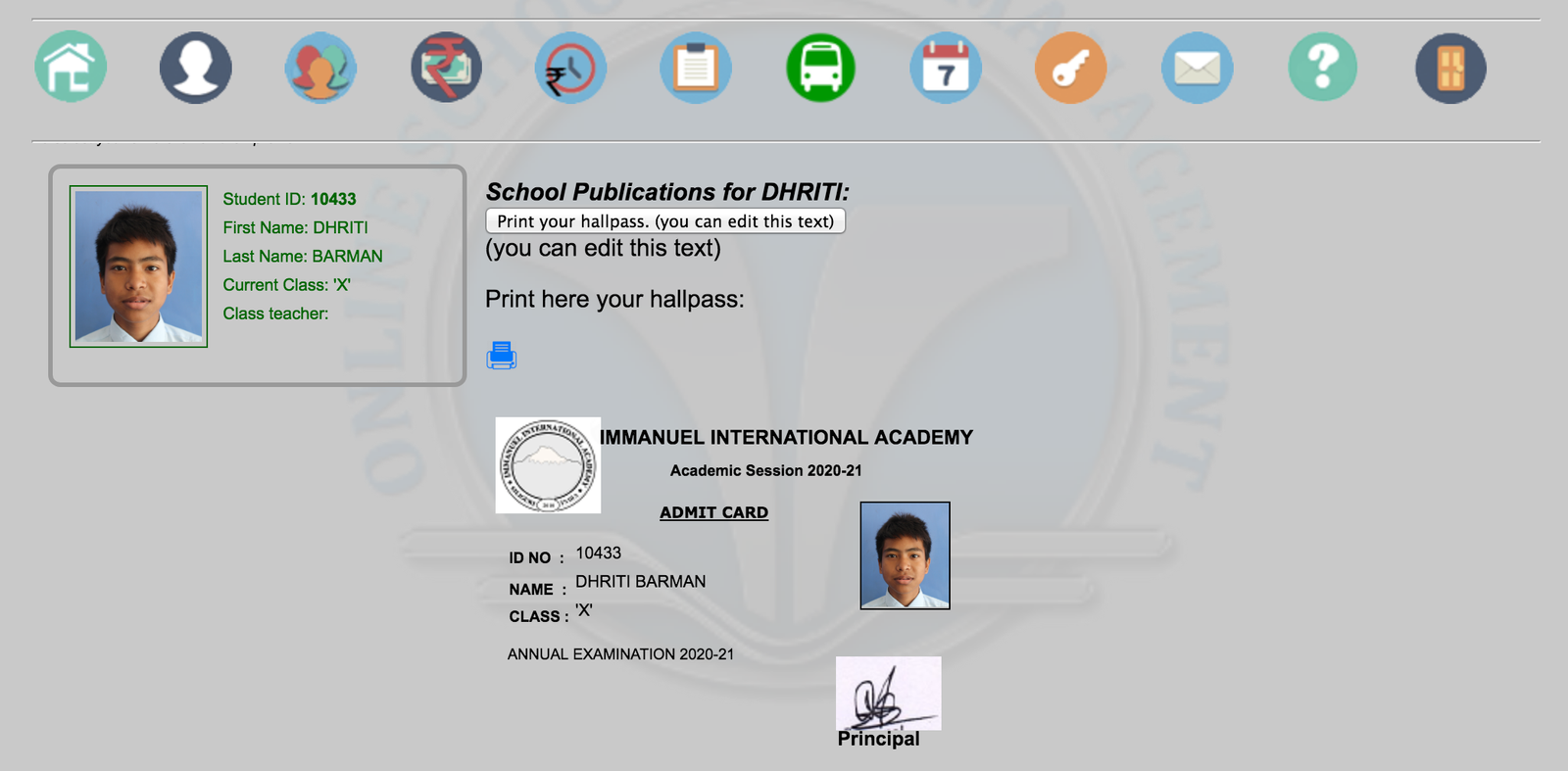
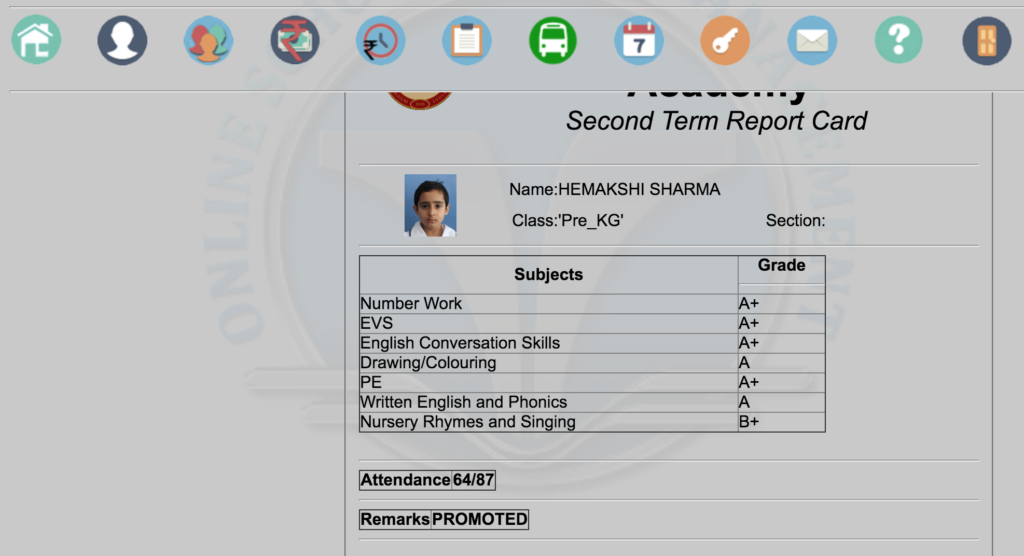
6.Check your childs result using the check result icon or print your exam hall pass
Guidelines
1.Ensure you enter a valid email ID. This will be used as your login ID at the parent portal.
2.Ensure the number provided is the same phone number already registered with us.
3.For any queries on usage, contact the accounts team.
4. IN ORDER TO VIEW HALL PASS OR RESULTS, ALL OUTSTANDING DUES MUST BE CLEARED